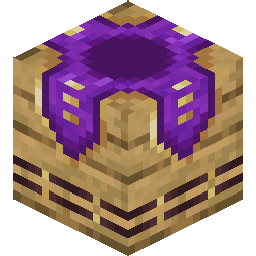
¶ Description
A Waypoint Hub is an interactable block that connects to a network of teleport destinations. Players can teleport between all Waypoint Hubs they have access to, across dimensions. Each player can own up to 32 Waypoint Hubs by default, and hubs need to be at least 64 blocks apart.
¶ Obtaining
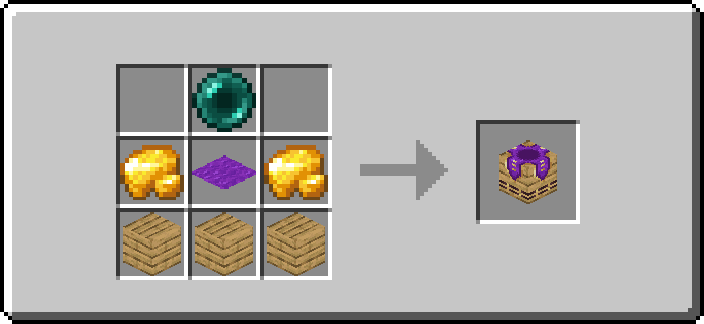
Waypoint Hubs can be crafted by combining 2 Raw Gold, 1 Ender Pearl, 1 Purple Carpet and 3 blocks of the variant's material. Journeyman (level 2) Cartographer Villagers also sell the Acacia, Jungle, Oak, Sandstone, Mangrove and Spruce Waypoint Hubs for 9–18 Emeralds.
All 47 variants
| Waypoint Hub | Material |
|---|---|
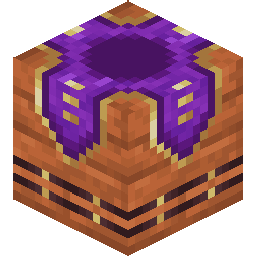 Acacia Waypoint Hub Acacia Waypoint Hub |
Acacia Planks |
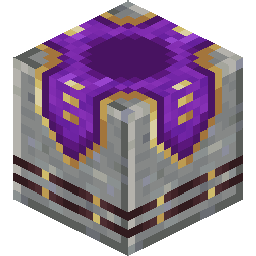 Andesite Waypoint Hub Andesite Waypoint Hub |
Polished Andesite |
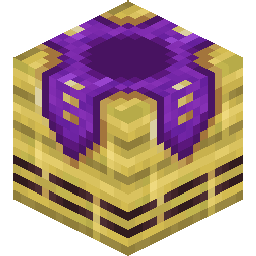 Bamboo Waypoint Hub Bamboo Waypoint Hub |
Bamboo Planks |
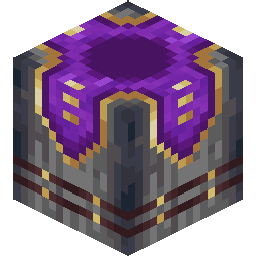 Basalt Waypoint Hub Basalt Waypoint Hub |
Polished Basalt |
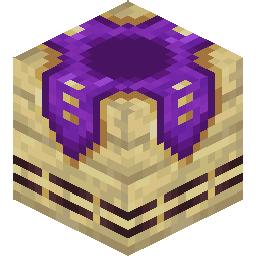 Birch Waypoint Hub Birch Waypoint Hub |
Birch Planks |
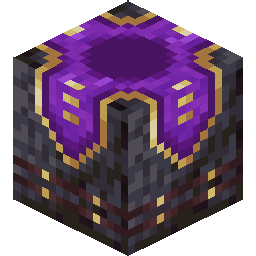 Blackstone Waypoint Hub Blackstone Waypoint Hub |
Polished Blackstone |
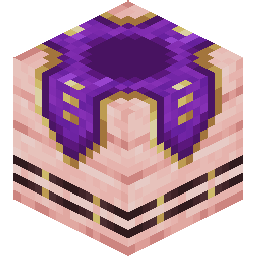 Cherry Waypoint Hub Cherry Waypoint Hub |
Cherry Planks |
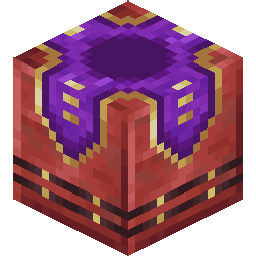 Cinnabar Waypoint Hub Cinnabar Waypoint Hub |
Polished Cinnabar |
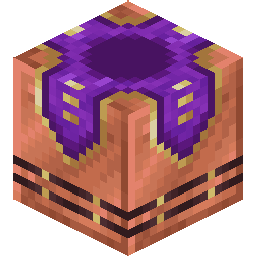 Copper Waypoint Hub Copper Waypoint Hub |
Copper Block |
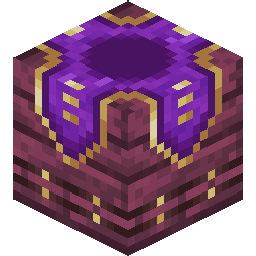 Crimson Waypoint Hub Crimson Waypoint Hub |
Crimson Planks |
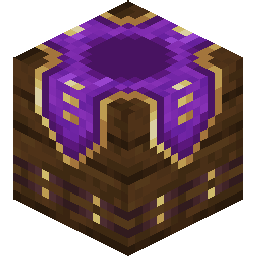 Dark Oak Waypoint Hub Dark Oak Waypoint Hub |
Dark Oak Planks |
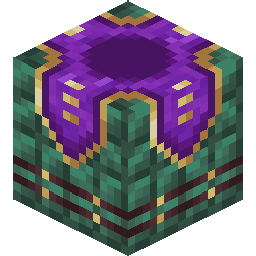 Dark Prismarine Waypoint Hub Dark Prismarine Waypoint Hub |
Dark Prismarine |
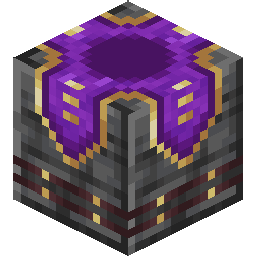 Deepslate Waypoint Hub Deepslate Waypoint Hub |
Polished Deepslate |
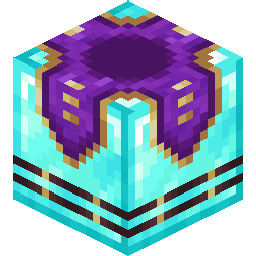 Diamond Waypoint Hub Diamond Waypoint Hub |
Diamond Block |
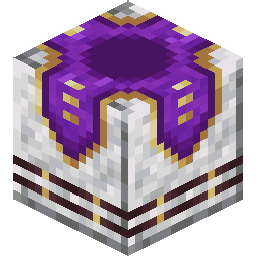 Diorite Waypoint Hub Diorite Waypoint Hub |
Polished Diorite |
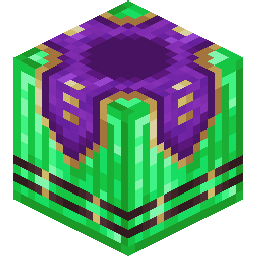 Emerald Waypoint Hub Emerald Waypoint Hub |
Emerald Block |
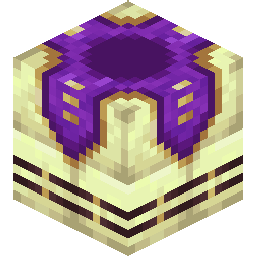 End Stone Waypoint Hub End Stone Waypoint Hub |
End Stone Bricks |
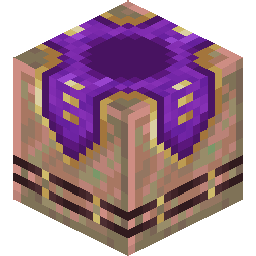 Exposed Copper Waypoint Hub Exposed Copper Waypoint Hub |
Exposed Copper |
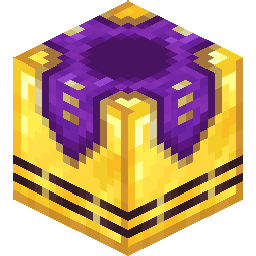 Golden Waypoint Hub Golden Waypoint Hub |
Gold Block |
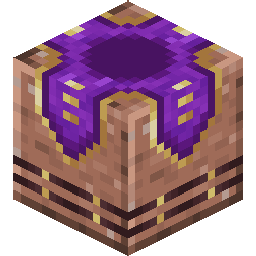 Granite Waypoint Hub Granite Waypoint Hub |
Polished Granite |
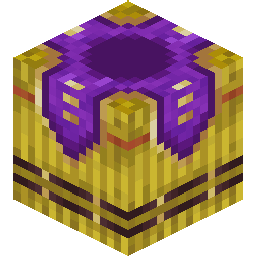 Hay Waypoint Hub Hay Waypoint Hub |
Hay Block |
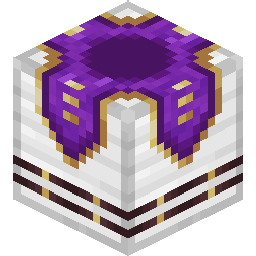 Iron Waypoint Hub Iron Waypoint Hub |
Iron Block |
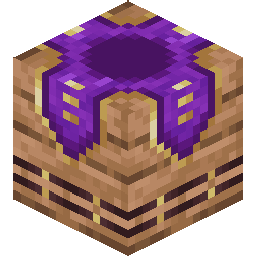 Jungle Waypoint Hub Jungle Waypoint Hub |
Jungle Planks |
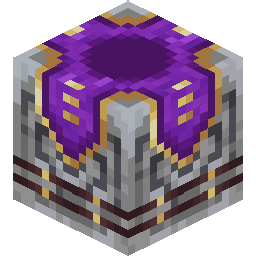 Lodestone Waypoint Hub Lodestone Waypoint Hub |
Lodestone |
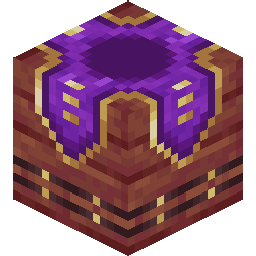 Mangrove Waypoint Hub Mangrove Waypoint Hub |
Mangrove Planks |
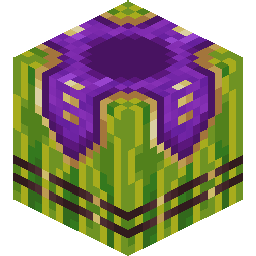 Melon Waypoint Hub Melon Waypoint Hub |
Melon |
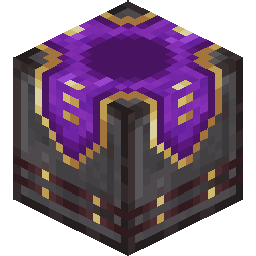 Netherite Waypoint Hub Netherite Waypoint Hub |
Netherite Block |
| Oak Waypoint Hub |
Oak Planks |
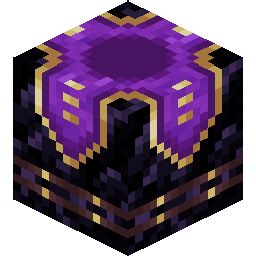 Obsidian Waypoint Hub Obsidian Waypoint Hub |
Obsidian |
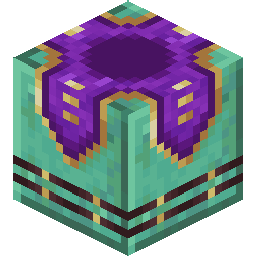 Oxidized Copper Waypoint Hub Oxidized Copper Waypoint Hub |
Oxidized Copper |
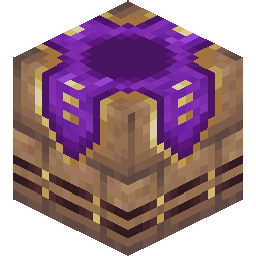 Packed Mud Waypoint Hub Packed Mud Waypoint Hub |
Mud Bricks |
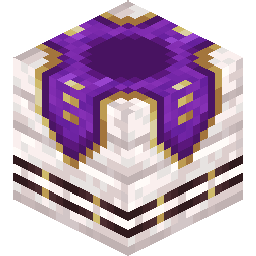 Pale Oak Waypoint Hub Pale Oak Waypoint Hub |
Pale Oak Planks |
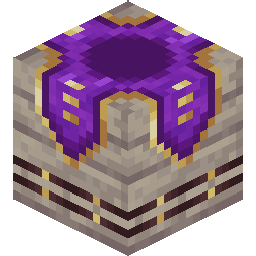 Poplar Waypoint Hub Poplar Waypoint Hub |
Poplar Planks |
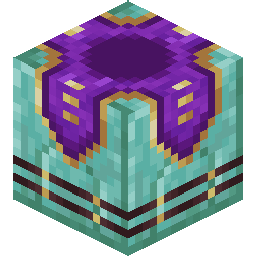 Prismarine Waypoint Hub Prismarine Waypoint Hub |
Prismarine Bricks |
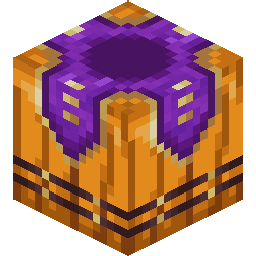 Pumpkin Waypoint Hub Pumpkin Waypoint Hub |
Pumpkin |
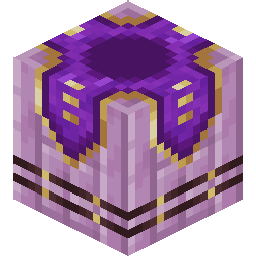 Purpur Waypoint Hub Purpur Waypoint Hub |
Purpur Pillar |
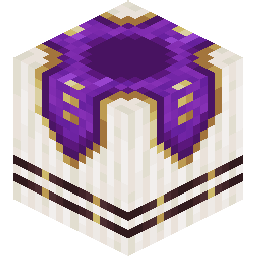 Quartz Waypoint Hub Quartz Waypoint Hub |
Quartz Pillar |
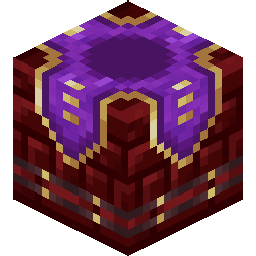 Red Nether Bricks Waypoint Hub Red Nether Bricks Waypoint Hub |
Red Nether Bricks |
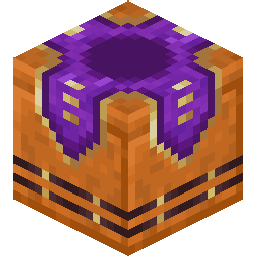 Red Sandstone Waypoint Hub Red Sandstone Waypoint Hub |
Cut Red Sandstone |
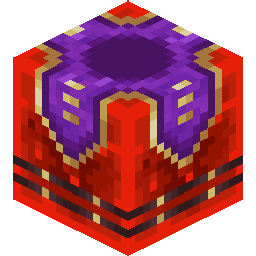 Redstone Waypoint Hub Redstone Waypoint Hub |
Redstone Block |
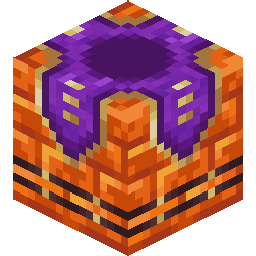 Resin Waypoint Hub Resin Waypoint Hub |
Resin Bricks |
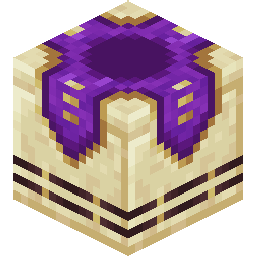 Sandstone Waypoint Hub Sandstone Waypoint Hub |
Cut Sandstone |
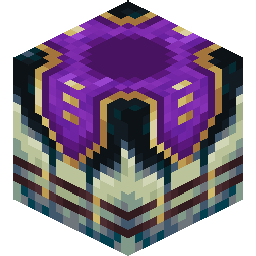 Sculk Waypoint Hub Sculk Waypoint Hub |
Sculk |
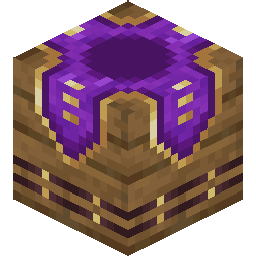 Spruce Waypoint Hub Spruce Waypoint Hub |
Spruce Planks |
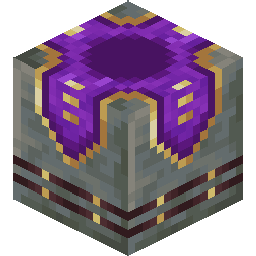 Tuff Waypoint Hub Tuff Waypoint Hub |
Polished Tuff |
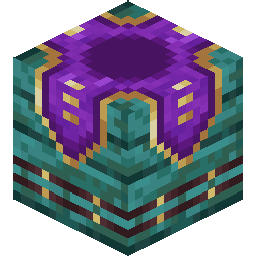 Warped Waypoint Hub Warped Waypoint Hub |
Warped Planks |
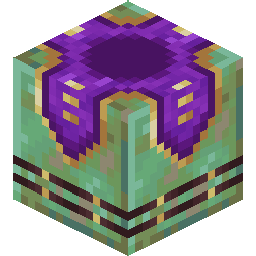 Weathered Copper Waypoint Hub Weathered Copper Waypoint Hub |
Weathered Copper |
¶ Placing
When a player holds a Waypoint Hub, nearby Waypoint Hubs show an outline of the area in which no other Waypoint Hub can be placed. Renaming the Waypoint Hub item in an Anvil before placing it sets the name of the waypoint. The block can be mined with a pickaxe. A Waypoint Hub sends a block update whenever someone teleports to it.
¶ Using A Waypoint Hub
¶ Waypoint Hub Menu
Right-click the rotating head on top of the hub while not holding any of the items below to open the Waypoint Hub menu. It lists all waypoints you have access to: your own, public ones and locked ones whose owner trusts you. Clicking an entry teleports you to that waypoint after a short warm-up (3 seconds by default), as long as there is a safe spot next to it. Moving cancels the teleport.
¶ Owner Actions
Only the owner of a Waypoint Hub can use the following items on it. The item is used up.
| Item | Effect |
|---|---|
| Renamed Name Tag | Renames the waypoint. |
| Renamed Book | Sets the waypoint's description, shown when hovering over it in the menu. |
| Dye | Changes the color of the waypoint's title on the block and in the menu. |
Paper renamed to trust <playername> |
Gives that player access to the locked waypoint. |
Paper renamed to untrust <playername> |
Removes that player's access again. |
| Waypoint Lock | Switches the waypoint between public and locked. |
¶ Totem of Homecoming
Right-clicking a Waypoint Hub with a Totem of Homecoming binds the totem to it.
¶ Teleport Announcements
By default, the owner of a Waypoint Hub receives a chat message whenever a player teleports to it. Placing a block of Wool beneath the hub turns this off for that hub.
¶ Waypoint Lock
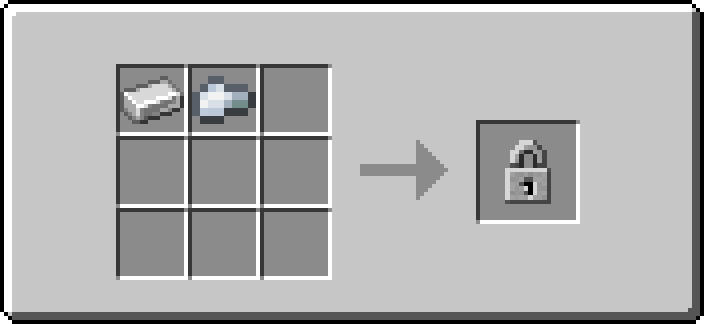
The Waypoint Lock switches a Waypoint Hub between public and locked. Public waypoints can be used by everyone, while locked waypoints only show up for the owner and trusted players. The current state is shown with a lock symbol above the title.
The Waypoint Lock is crafted from 1 Iron Ingot and 1 Iron Nugget, or bought from novice Cartographer Villagers for 1–2 Emeralds.
¶ Administrators
Waypoint administrators can see, change and teleport to every waypoint, regardless of access. More information can be found on the Administration page.